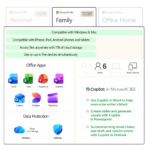
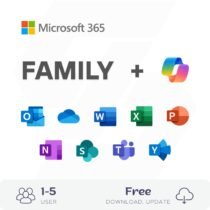
This is a package Microsoft 365 Premium for 5 different users with a duration of 1 years.
You can add the information of the 5 email addresses in the order details during checkout.
After the purchase is successfully completed, the 5 email addresses will receive an invitation email to join the family group. You can read more details in the FAQ section.
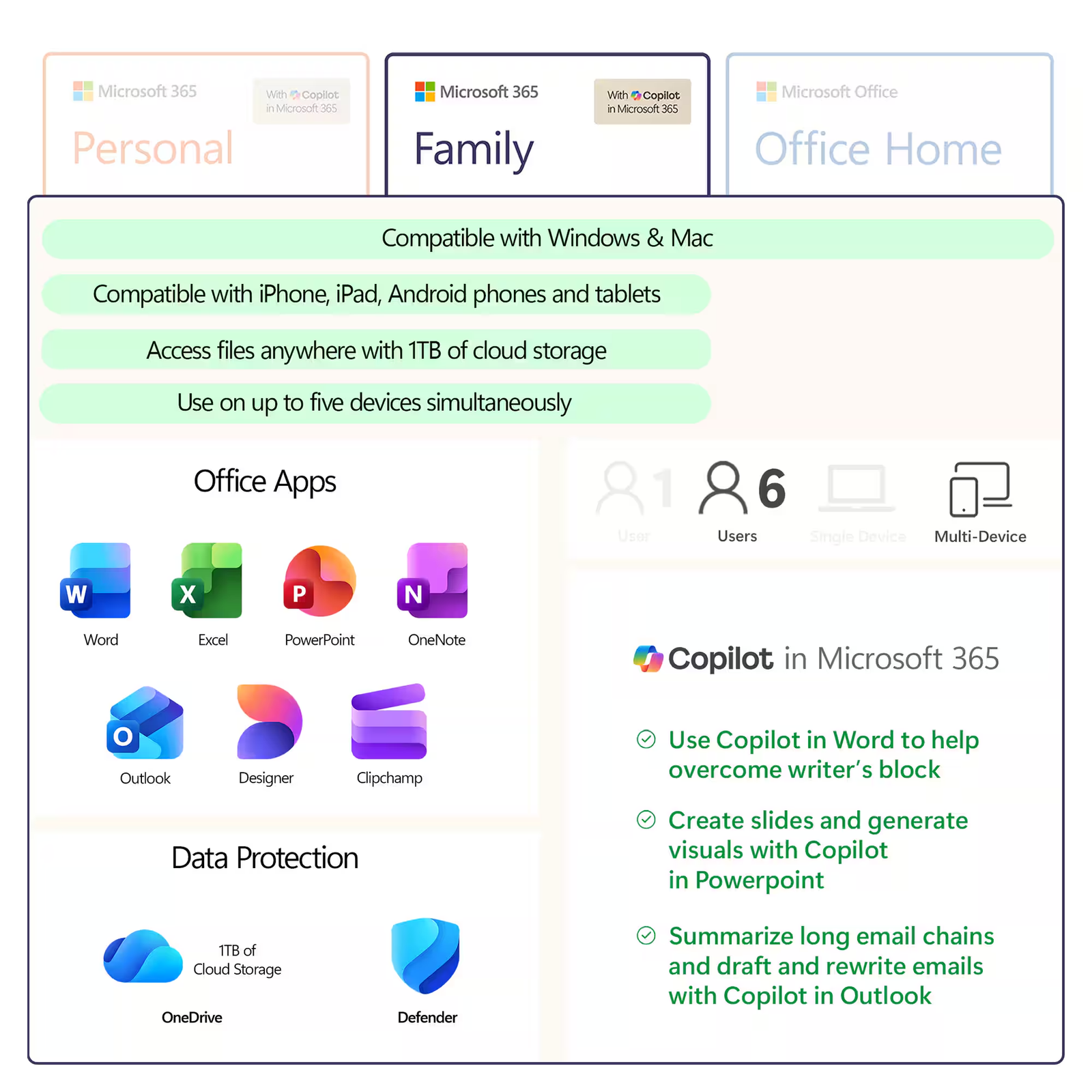
Microsoft 365 Premium is a subscription for one to six people that includes advanced security, cloud storage, and innovative apps.
- Activate Microsoft 365 Premium on Your Personal Account.
- For one to six people
- Each person can use on up to five devices simultaneously
- Works on PC, Mac, iPhone, iPad, and Android phones and tablets
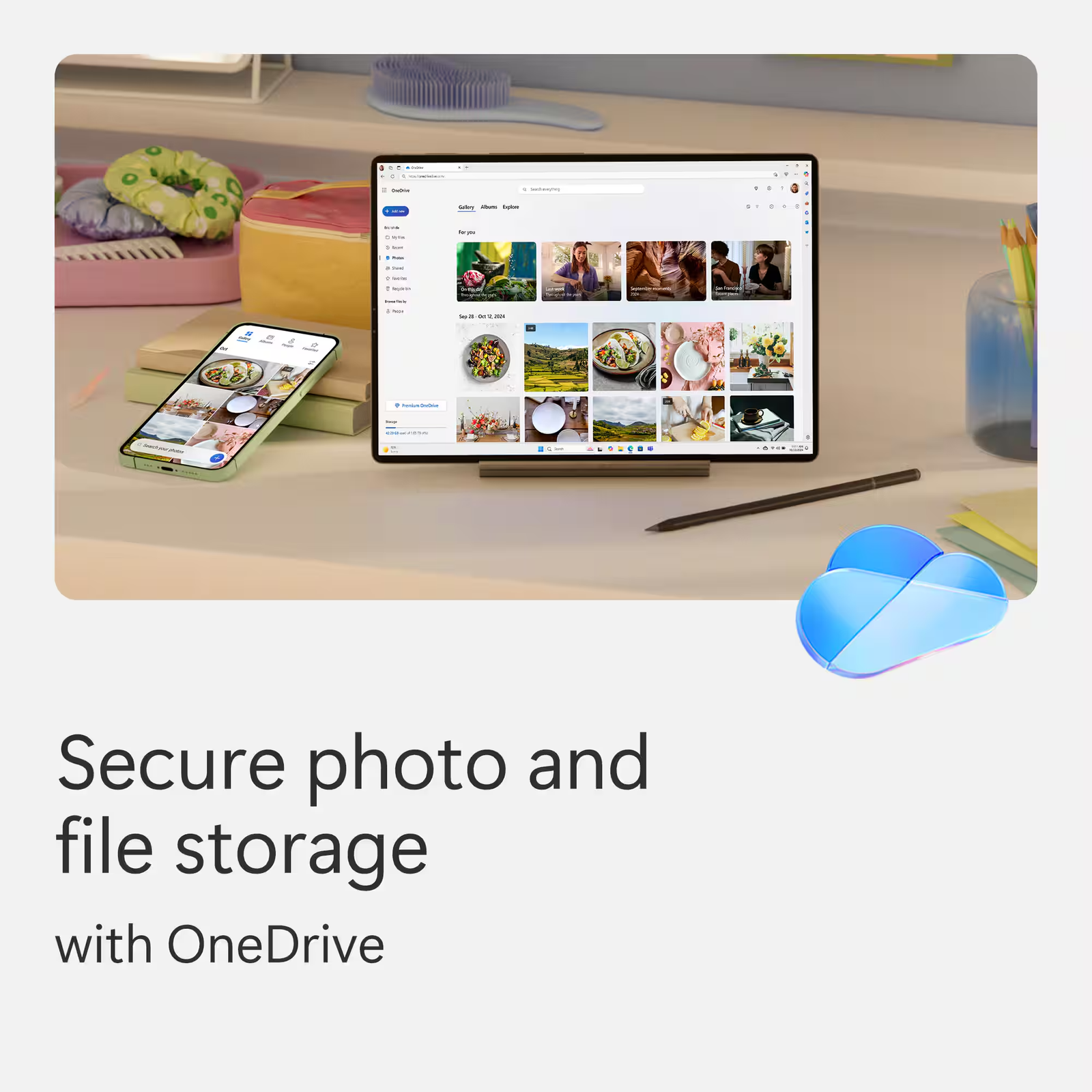
- Up to 6 TB of secure cloud storage (1 TB per person)
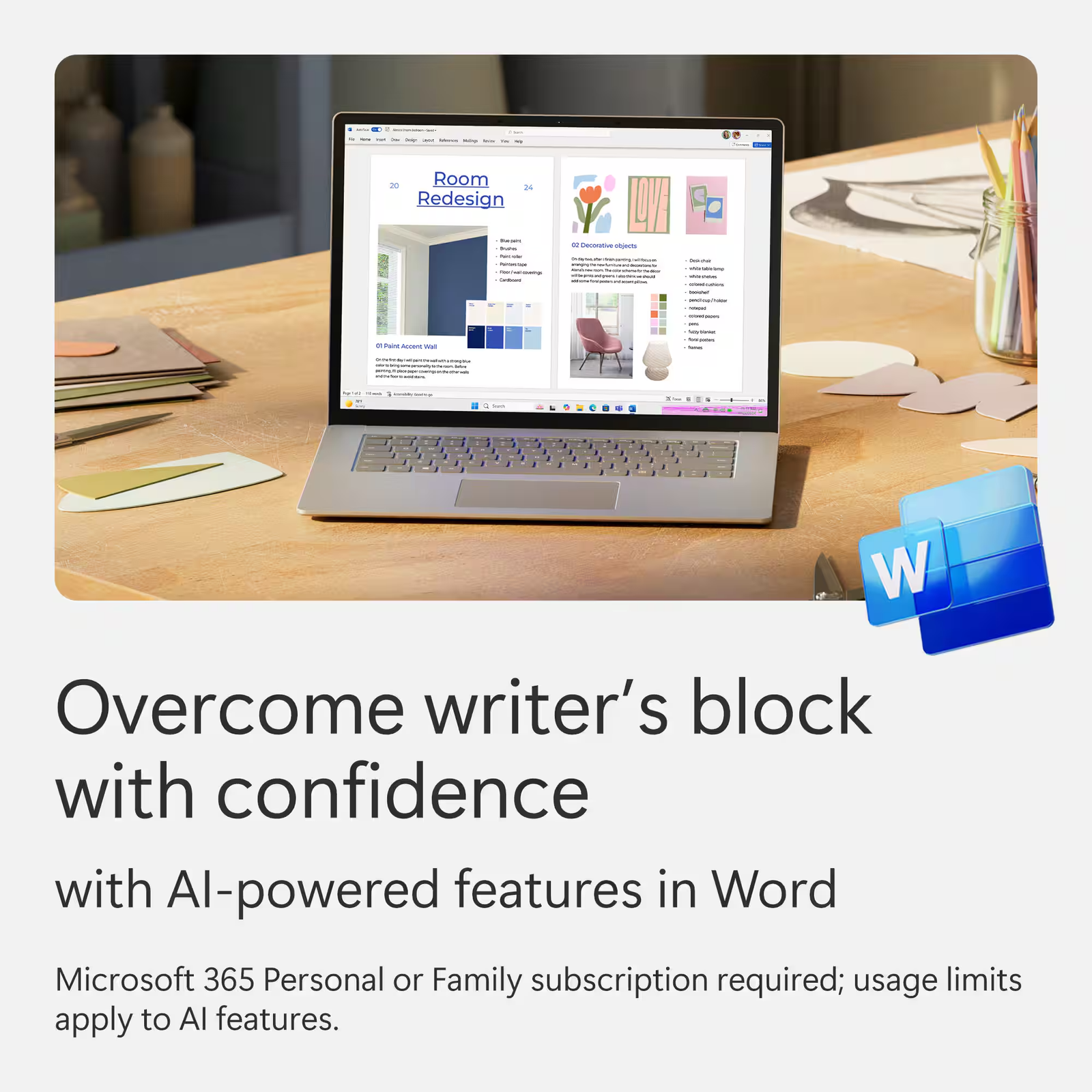
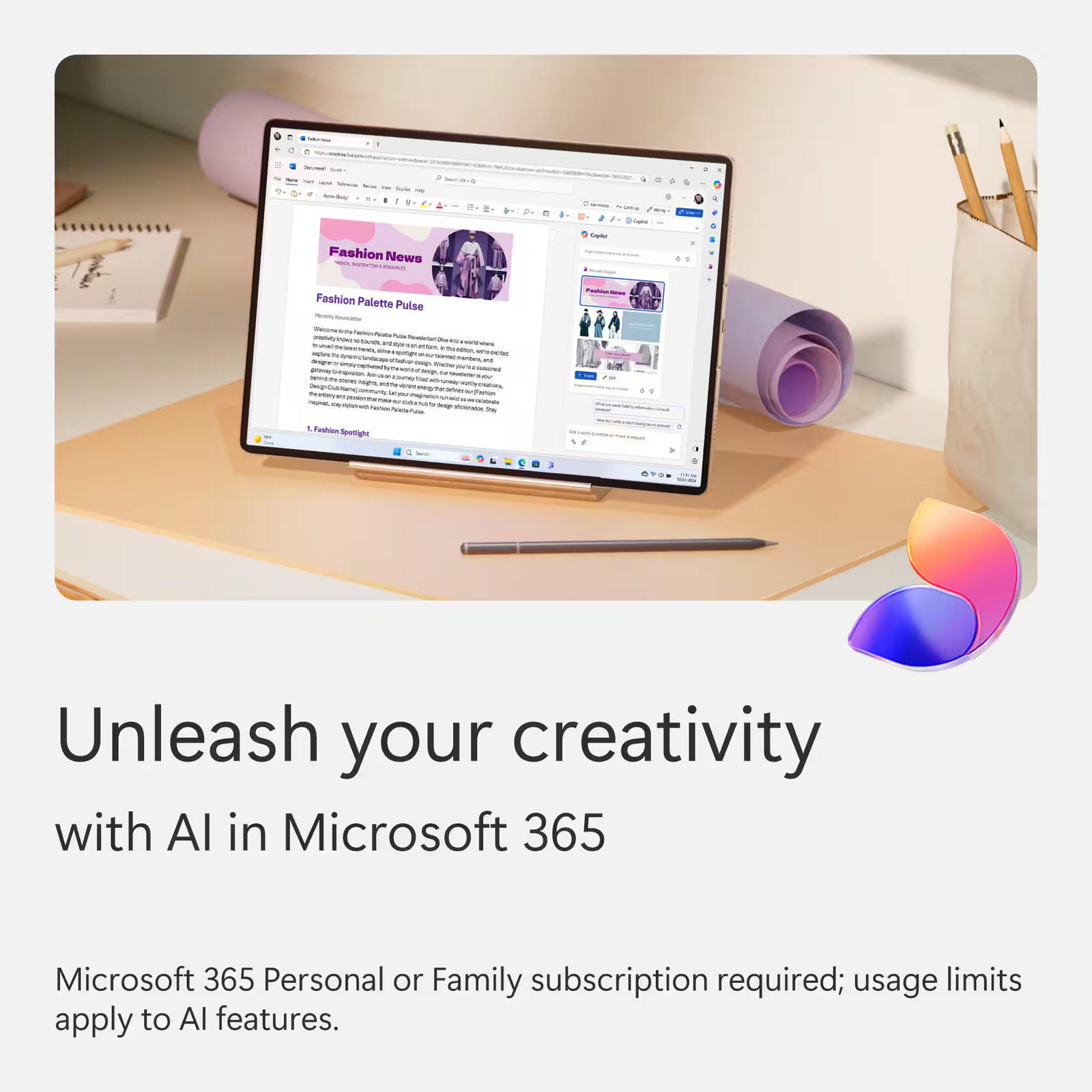
- Productivity apps with Microsoft Copilot
- Higher usage limits than free for select Copilot features
- Microsoft Designer AI-powered image creator and editor
- Clipchamp video editor with exclusive filters and effects
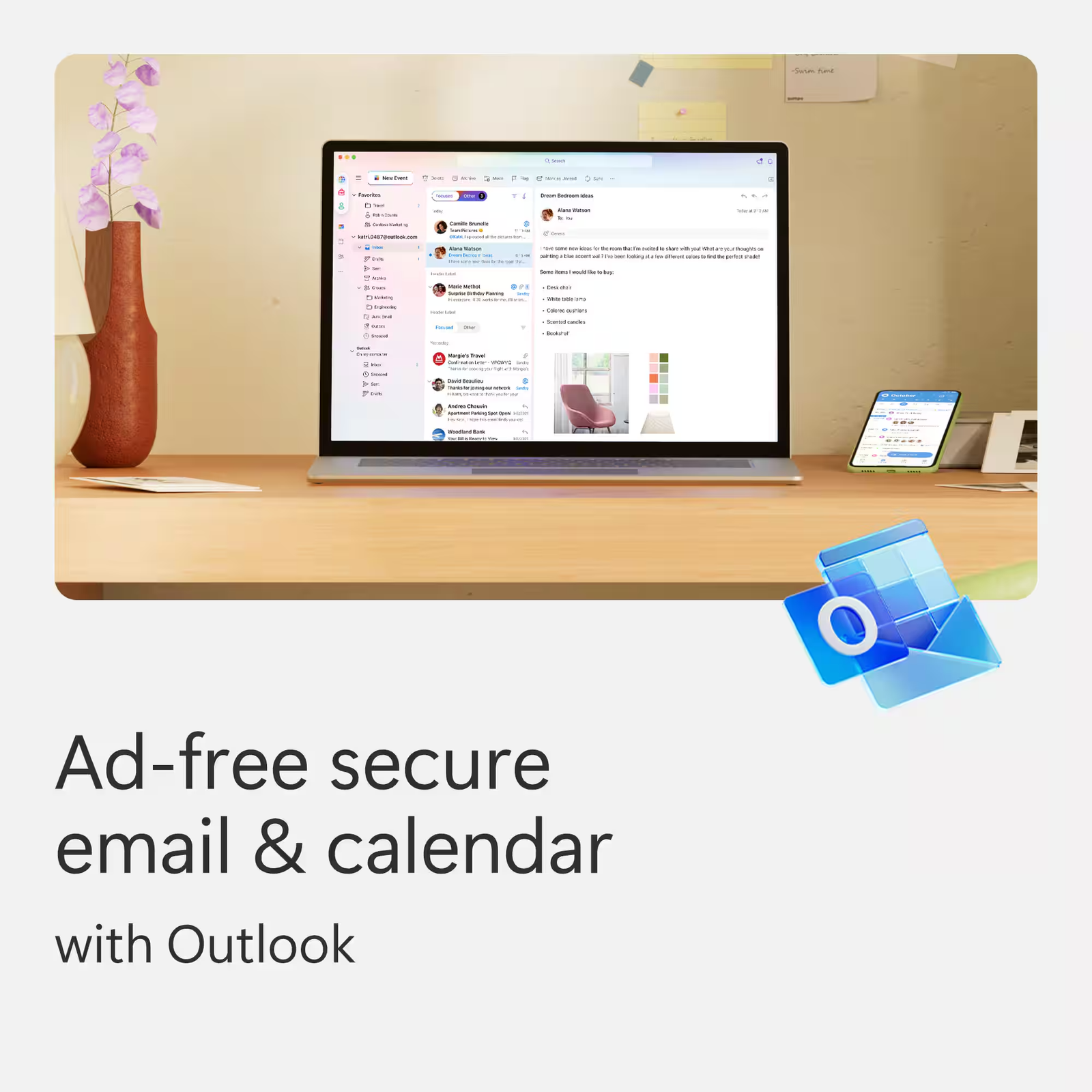
- Microsoft Defender advanced security for your family’s personal data and devices
- OneDrive ransomware protection for your family’s photos and files
- Ongoing support for help when you and your family need it
- Extensive usage for select Copilot features
- Access to Copilot features currently exclusive to Premium
- Extensive usage to create and edit AI images
Explore even more benefits of Microsoft 365
Part 1: License Activation
This initial and most critical step links the subscription license to your personal Microsoft account.
Check your account status:
- Sign in with your Microsoft account (this can be an @outlook.com, @hotmail.com, @live.com email, or a @gmail.com address that you use for Microsoft services).
- If you do not have an account, click “Create account” to register for a new one free of charge.
Access the official Microsoft Family Safety page:

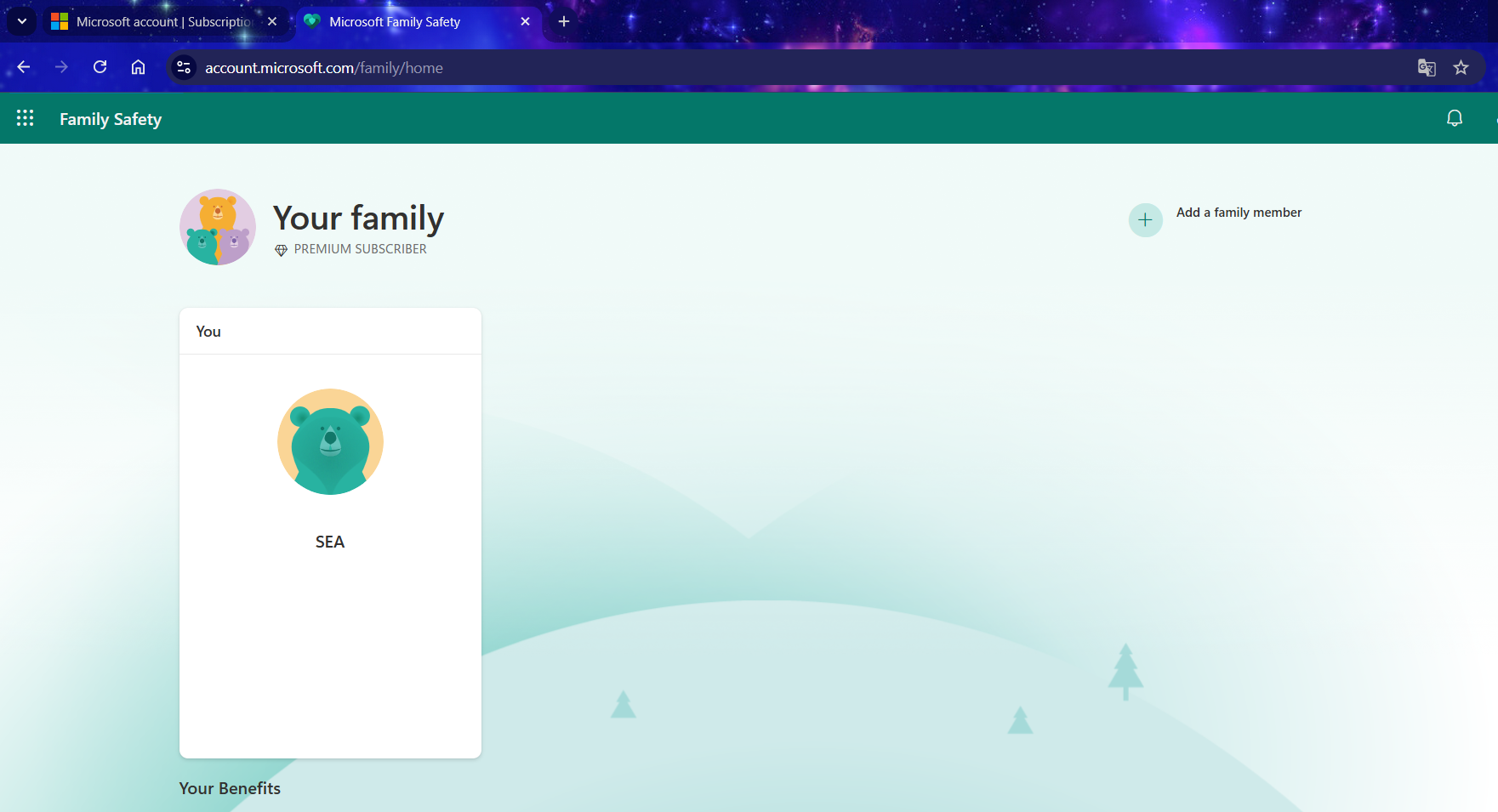
The photo shows the account does not belong to a family group.
- Open a web browser and navigate to: /family/home/settings/windows/ OR family/home/settings/
- If you are currently a member of a family group, please leave it before proceeding to the next step. If you are not in a group, you may skip this step.
- Next, you will need to join our family group via the invitation link sent to your email after your purchase.
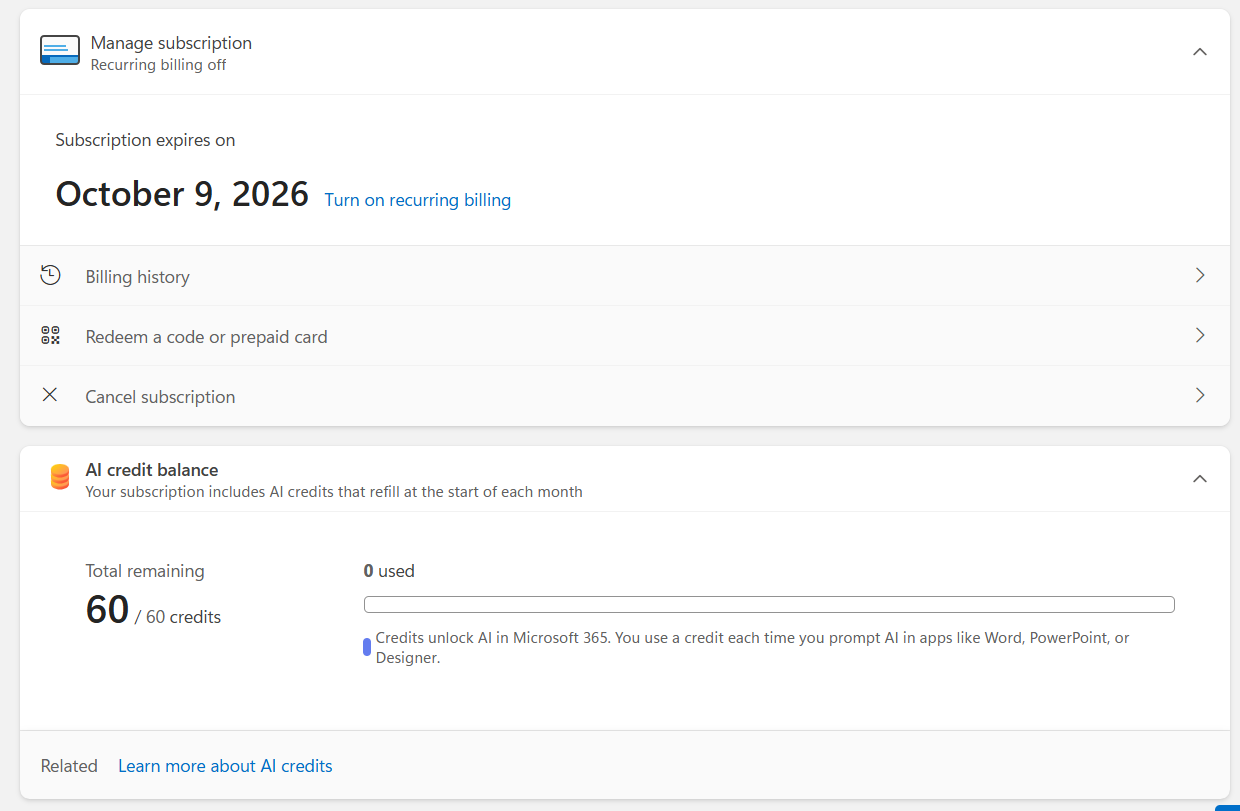
- Once you have successfully joined the group, the Microsoft 365 Premium subscription is officially yours.
Part 2: Installing the Office Application Suite (Word, Excel, PowerPoint, etc.)
After successful activation, you can proceed to install the Office suite on your devices (PC/Mac/etc.).

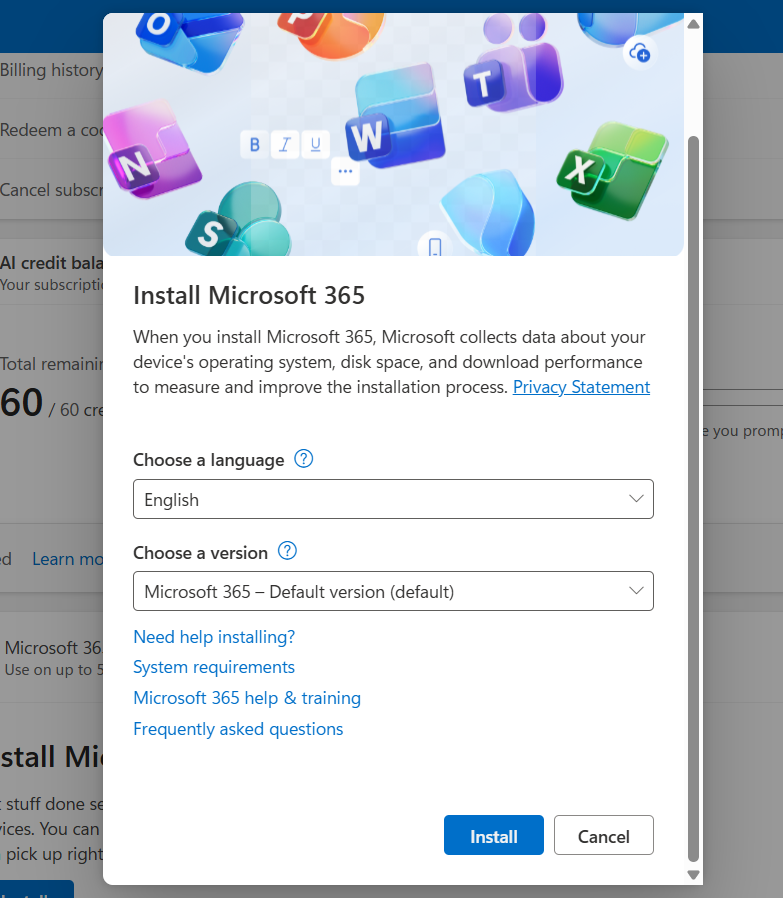
Install Microsoft 365
Go to your account management page:
Locate the product and install:
- You will see your Microsoft 365 Premium subscription listed.
- Click the “Install” button.
- An installation file will be downloaded to your computer.
Run the file and wait:
- Open the downloaded file. The installation will proceed automatically. Please ensure your computer remains connected to the internet throughout this process.
Activate the applications:
- Once the installation is complete, open any Office application (e.g., Word).
- The application will prompt you to sign in. Use the same Microsoft account you used in Part 1 to activate the license.
You have now successfully installed Office! You can repeat this process on your other devices (up to a maximum of 5).
Important Information:
- Invited members will receive an email/link. They must click on it and accept the invitation using their own Microsoft account.
- Each member will receive their own private 1TB of OneDrive storage. Each user’s data is completely separate and cannot be accessed by other members.
- Each invited member can also install the Office suite on up to 5 of their own personal devices.
Don’t Forget Your Additional Benefits:
- 1TB of OneDrive Storage: Download the OneDrive application on your computer and mobile phone to back up and sync your important data. Access your files anytime, anywhere at onedrive.live.com
- Use on Mobile/Tablet: Download the Word, Excel, PowerPoint, and OneDrive apps from the App Store (iOS) or Google Play (Android). Sign in with your account to unlock and use premium features.
- Always Up-to-Date: You will always have access to the latest version of the Office suite at no additional cost.
Reviews
Clear filtersThere are no reviews yet.