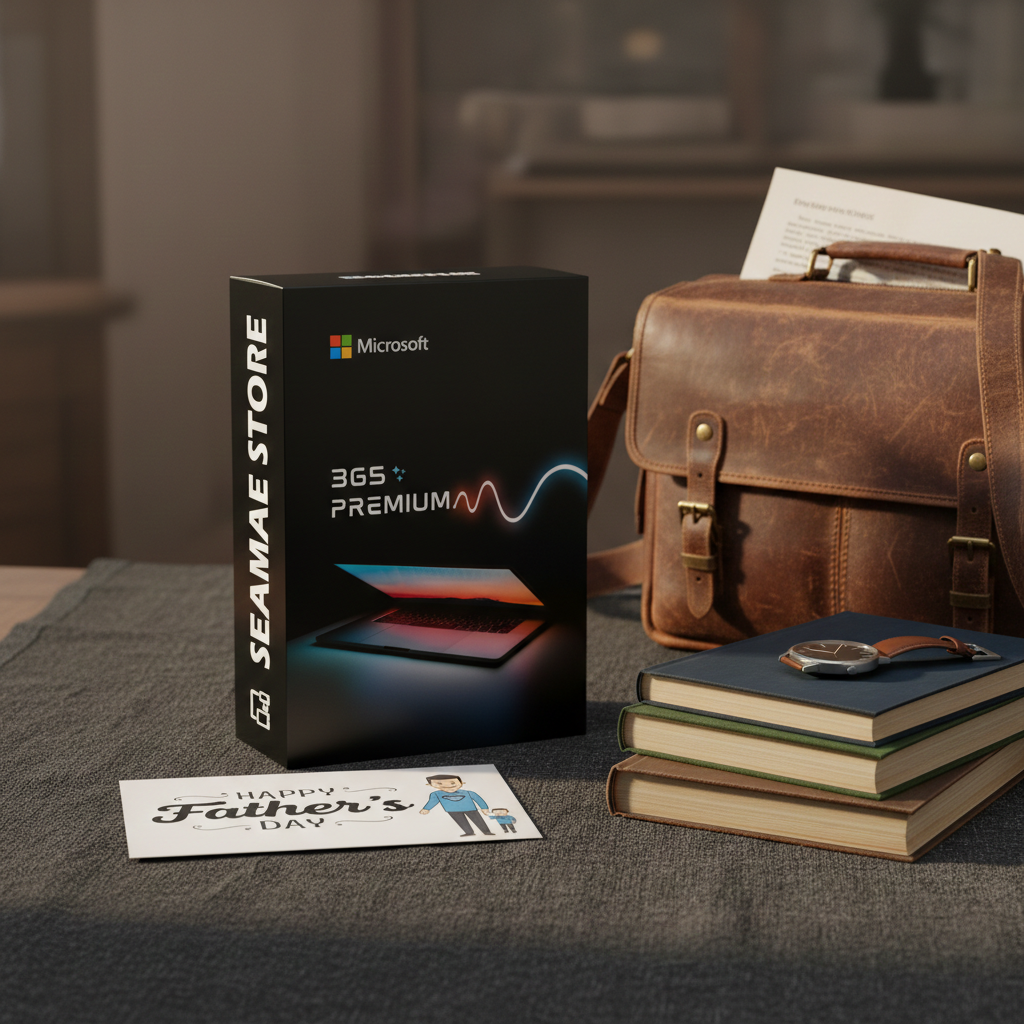
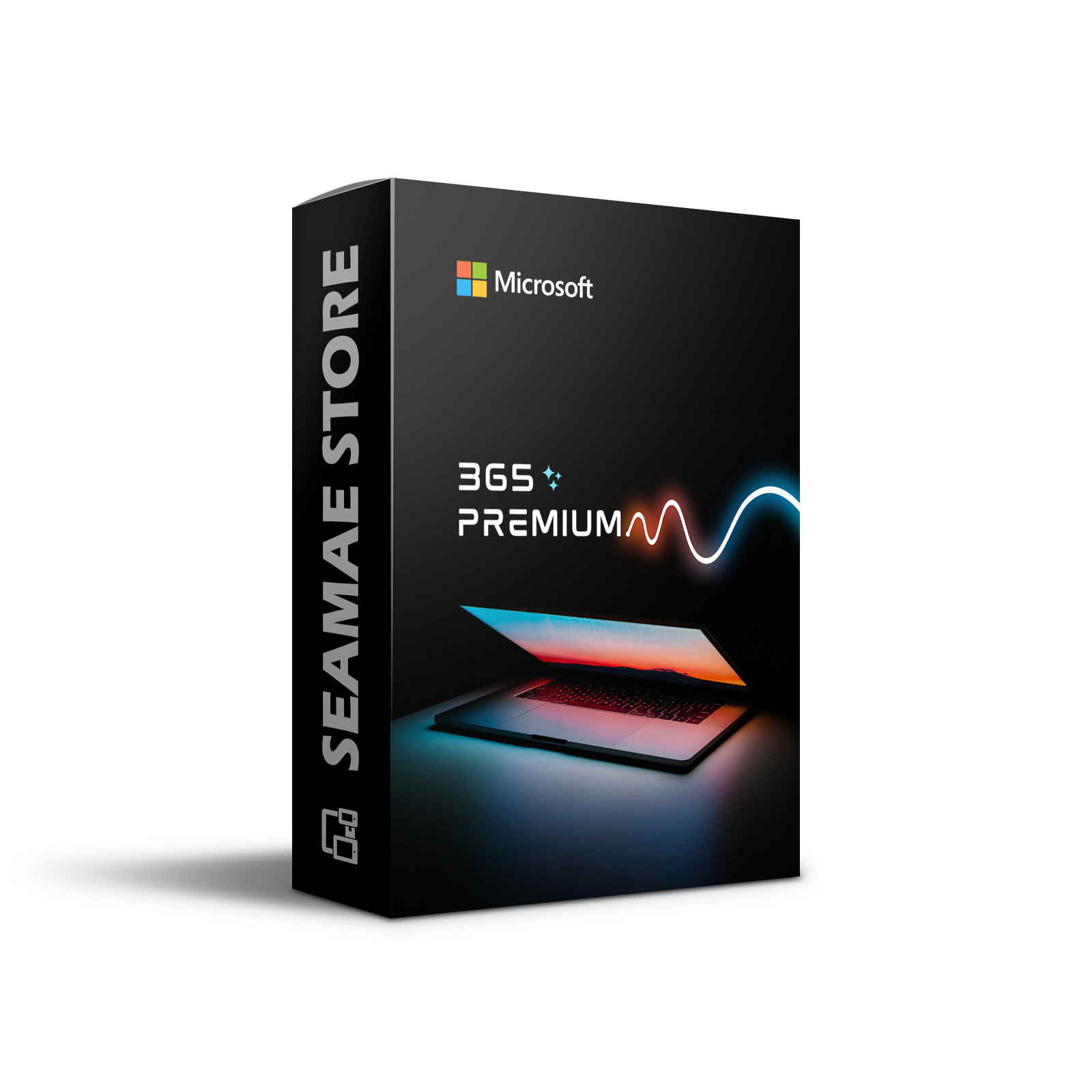
This is a package Microsoft 365 Premium 5 Year, 6 Users (Genuine License).
Pay once, no renewals or additional fees required during use.
You can add the information of the 6 email addresses in the order details during checkout.
After the purchase is successfully completed, the 6 email addresses will receive an invitation email to join the family group. You can read more details in the FAQ section.
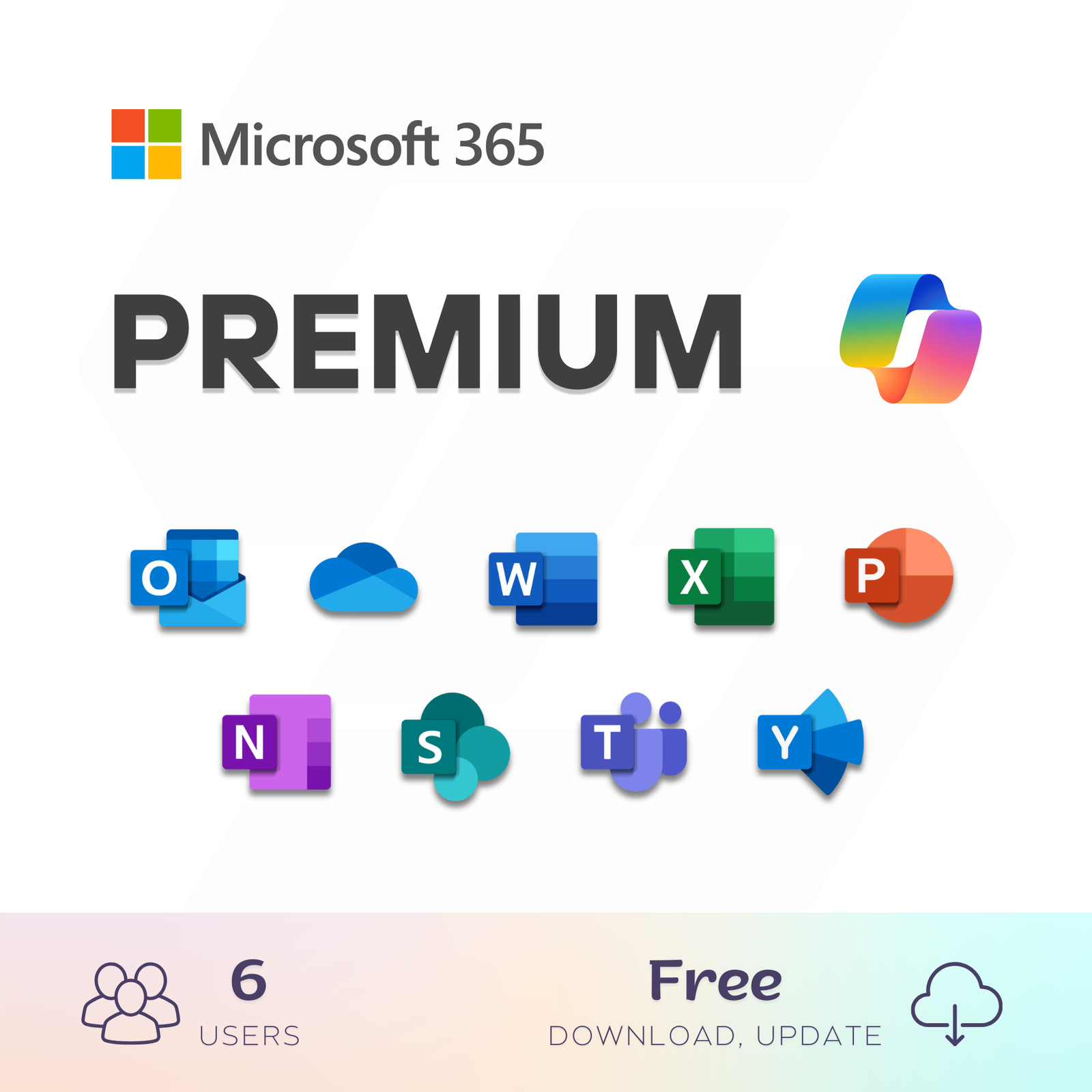
Microsoft 365 Premium is a subscription for one to six people that includes advanced security, cloud storage, and innovative apps.
- Activate Microsoft 365 Premium on Your Personal Account.
- For one to six people
- Each person can use on up to five devices simultaneously
- Works on PC, Mac, iPhone, iPad, and Android phones and tablets
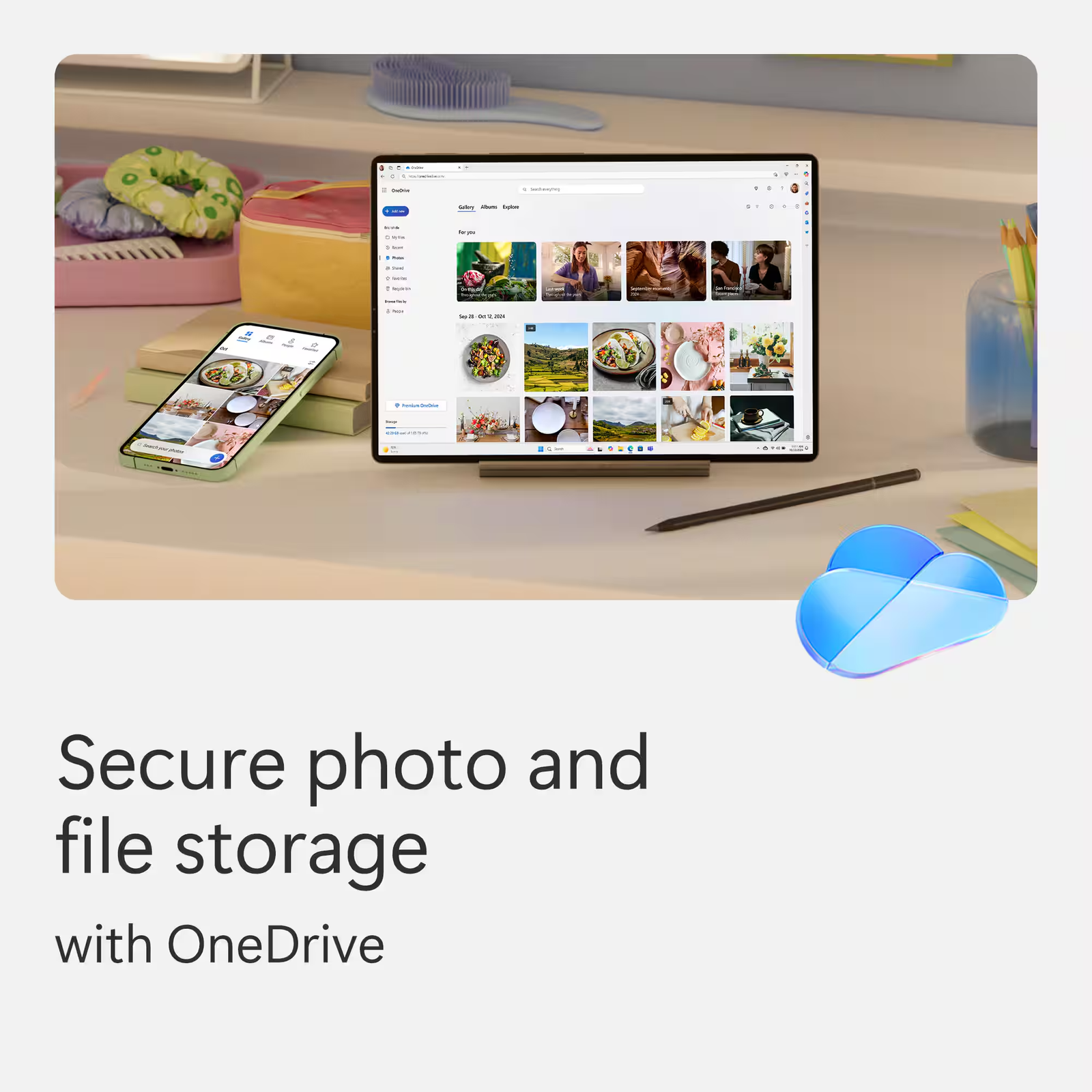
- Up to 6 TB of secure cloud storage (1 TB per person)
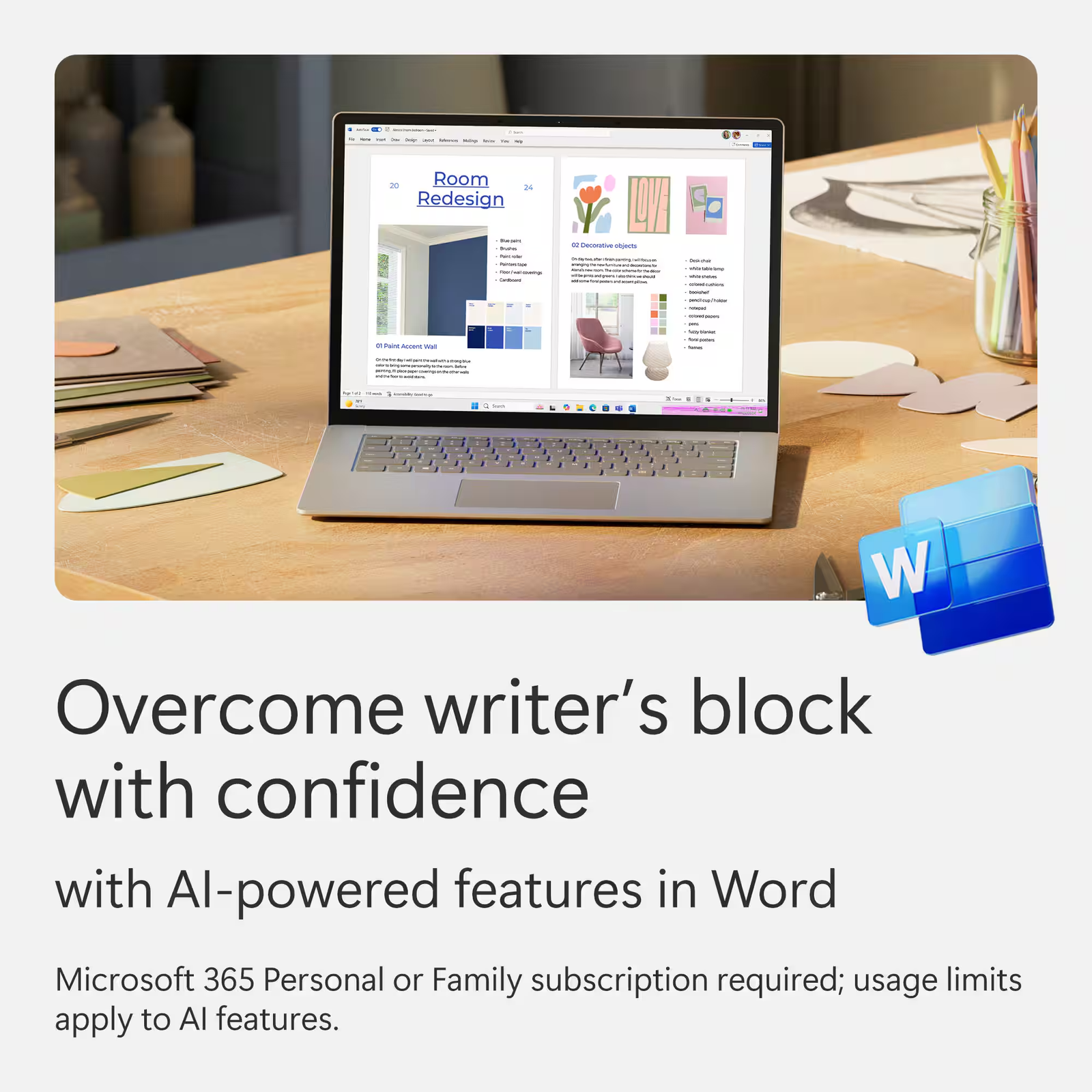
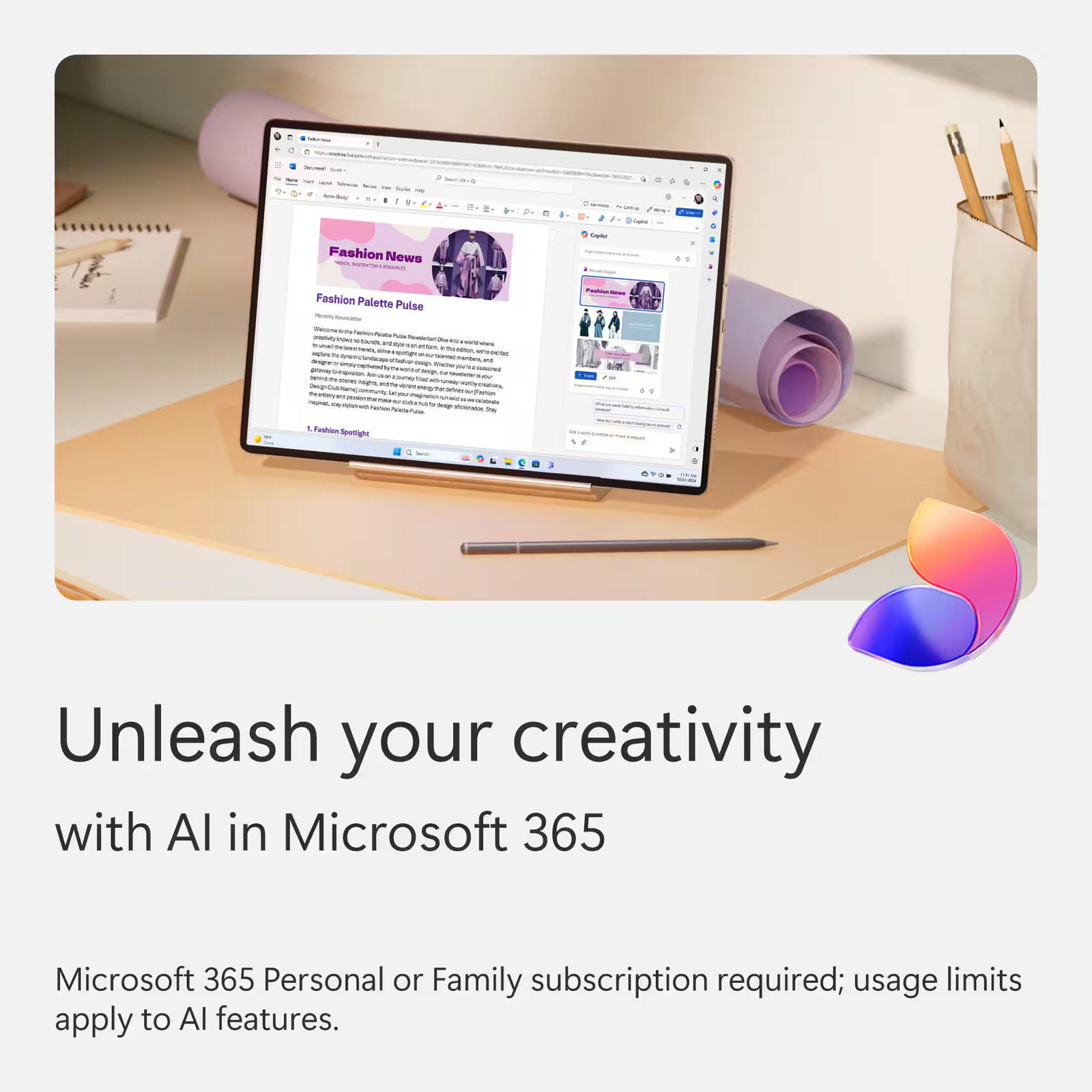
- Productivity apps with Microsoft Copilot
- Higher usage limits than free for select Copilot features
- Microsoft Designer AI-powered image creator and editor
- Clipchamp video editor with exclusive filters and effects
- Microsoft Defender advanced security for your family’s personal data and devices
- OneDrive ransomware protection for your family’s photos and files
- Ongoing support for help when you and your family need it
- Extensive usage for select Copilot features
- Access to Copilot features currently exclusive to Premium
- Extensive usage to create and edit AI images
Explore even more benefits of Microsoft 365
Part 1: License Activation
This initial and most critical step links the subscription license to your personal Microsoft account.
Check your account status:
- Sign in with your Microsoft account (this can be an @outlook.com, @hotmail.com, @live.com email, or a @gmail.com address that you use for Microsoft services).
- If you do not have an account, click “Create account” to register for a new one free of charge.
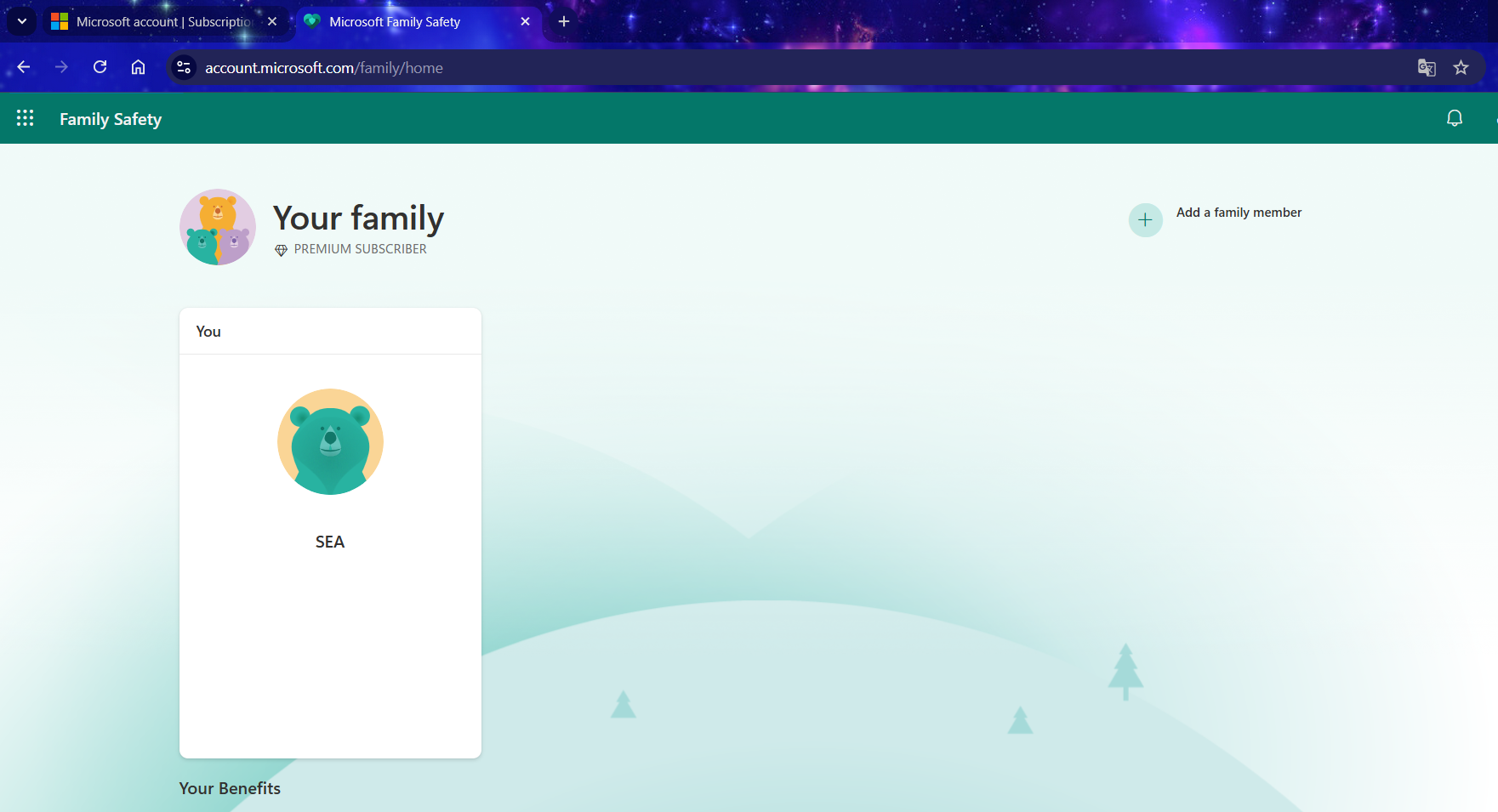
Access the official Microsoft Family Safety page:

The photo shows the account does not belong to a family group.
- Open a web browser and navigate to: /family/home/settings/windows/ OR family/home/settings/
- If you are currently a member of a family group, please leave it before proceeding to the next step. If you are not in a group, you may skip this step.
- Next, you will need to join our family group via the invitation link sent to your email after your purchase.
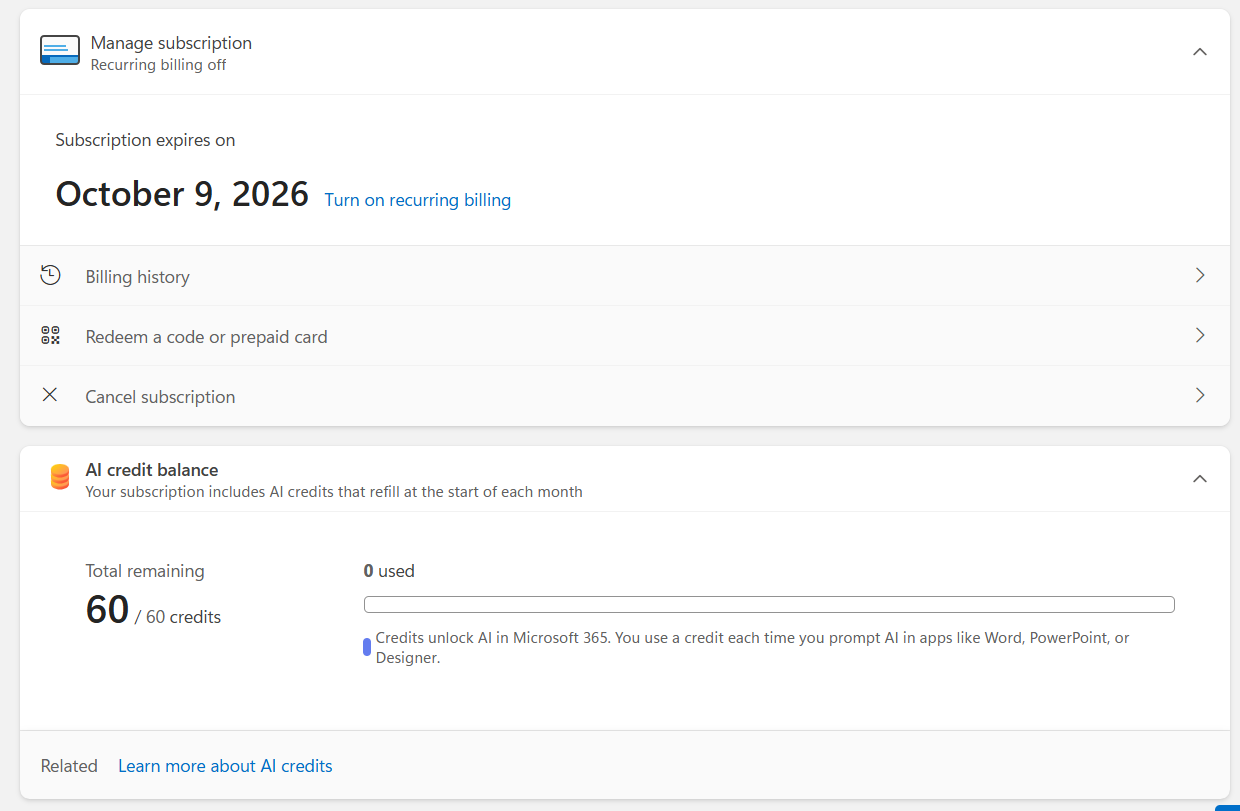
- Once you have successfully joined the group, the Microsoft 365 Premium subscription is officially yours.
Part 2: Installing the Office Application Suite (Word, Excel, PowerPoint, etc.)
After successful activation, you can proceed to install the Office suite on your devices (PC/Mac/etc.).

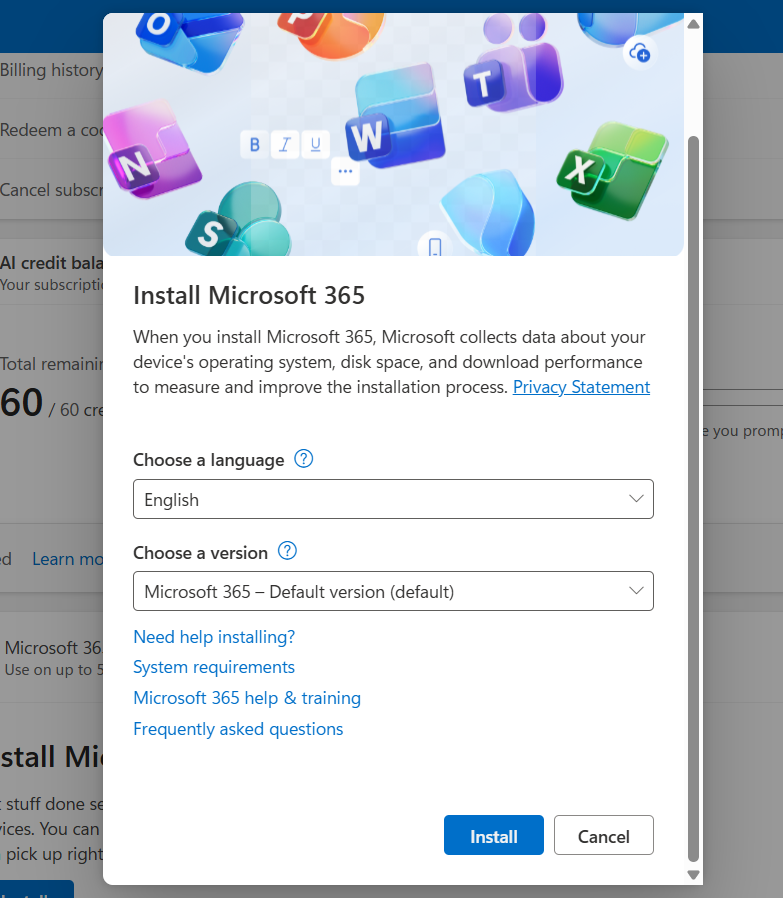
Install Microsoft 365
Go to your account management page:
Locate the product and install:
- You will see your Microsoft 365 Premium subscription listed.
- Click the “Install” button.
- An installation file will be downloaded to your computer.
Run the file and wait:
- Open the downloaded file. The installation will proceed automatically. Please ensure your computer remains connected to the internet throughout this process.
Activate the applications:
- Once the installation is complete, open any Office application (e.g., Word).
- The application will prompt you to sign in. Use the same Microsoft account you used in Part 1 to activate the license.
You have now successfully installed Office! You can repeat this process on your other devices (up to a maximum of 5).
Important Information:
- Invited members will receive an email/link. They must click on it and accept the invitation using their own Microsoft account.
- Each member will receive their own private 1TB of OneDrive storage. Each user’s data is completely separate and cannot be accessed by other members.
- Each invited member can also install the Office suite on up to 5 of their own personal devices.
Don’t Forget Your Additional Benefits:
- 1TB of OneDrive Storage: Download the OneDrive application on your computer and mobile phone to back up and sync your important data. Access your files anytime, anywhere at onedrive.live.com
- Use on Mobile/Tablet: Download the Word, Excel, PowerPoint, and OneDrive apps from the App Store (iOS) or Google Play (Android). Sign in with your account to unlock and use premium features.
- Always Up-to-Date: You will always have access to the latest version of the Office suite at no additional cost.
















Verified owner Matthews Hannah –
All sorted, cheers. Invite came through sharpish, everything’s running fine. Got my Word, Excel, and Outlook up and running on my Mac with no drama. Spot on
Store manager Seamae –
Thank you for the feedback! We’re glad everything is working perfectly on your Mac. Cheers for choosing Seamae Store!
Verified owner Bailey Ross –
Honestly, I just needed the 1TB of OneDrive to back up my photos, and this was the cheapest way to get it. The fact it comes with the actual desktop versions of Word and PowerPoint is just a massive bonus. Solid deal
Store manager Seamae –
Thank you for the review! We’re glad we could provide the most cost-effective solution for your 1TB OneDrive backup. Enjoy the premium Office apps and thanks for choosing Seamae Store!
Verified owner Candice Graham –
Gotta admit, I was a bit skeptical, but this was legit. Paid, got the invite link in my email in 30 minute, and it tied to my personal Microsoft account in two clicks. No hassle at all. Brilliant
Store manager Seamae –
Thank you for your honest feedback! We understand the initial skepticism, and we’re glad we could prove the legitimacy of our service. Enjoy the seamless integration with your personal account.