



Microsoft 365 Premium 1 to 6 Users (License)
Original price was: $199.99.$29.88Current price is: $29.88.
1577 in stock
1577 in stock
Instruct
Part 1: License Activation
This initial and most critical step links the subscription license to your personal Microsoft account.
Check your account status:
- Sign in with your Microsoft account (this can be an @outlook.com, @hotmail.com, @live.com email, or a @gmail.com address that you use for Microsoft services).
- If you do not have an account, click “Create account” to register for a new one free of charge.
Access the official Microsoft Family Safety page:
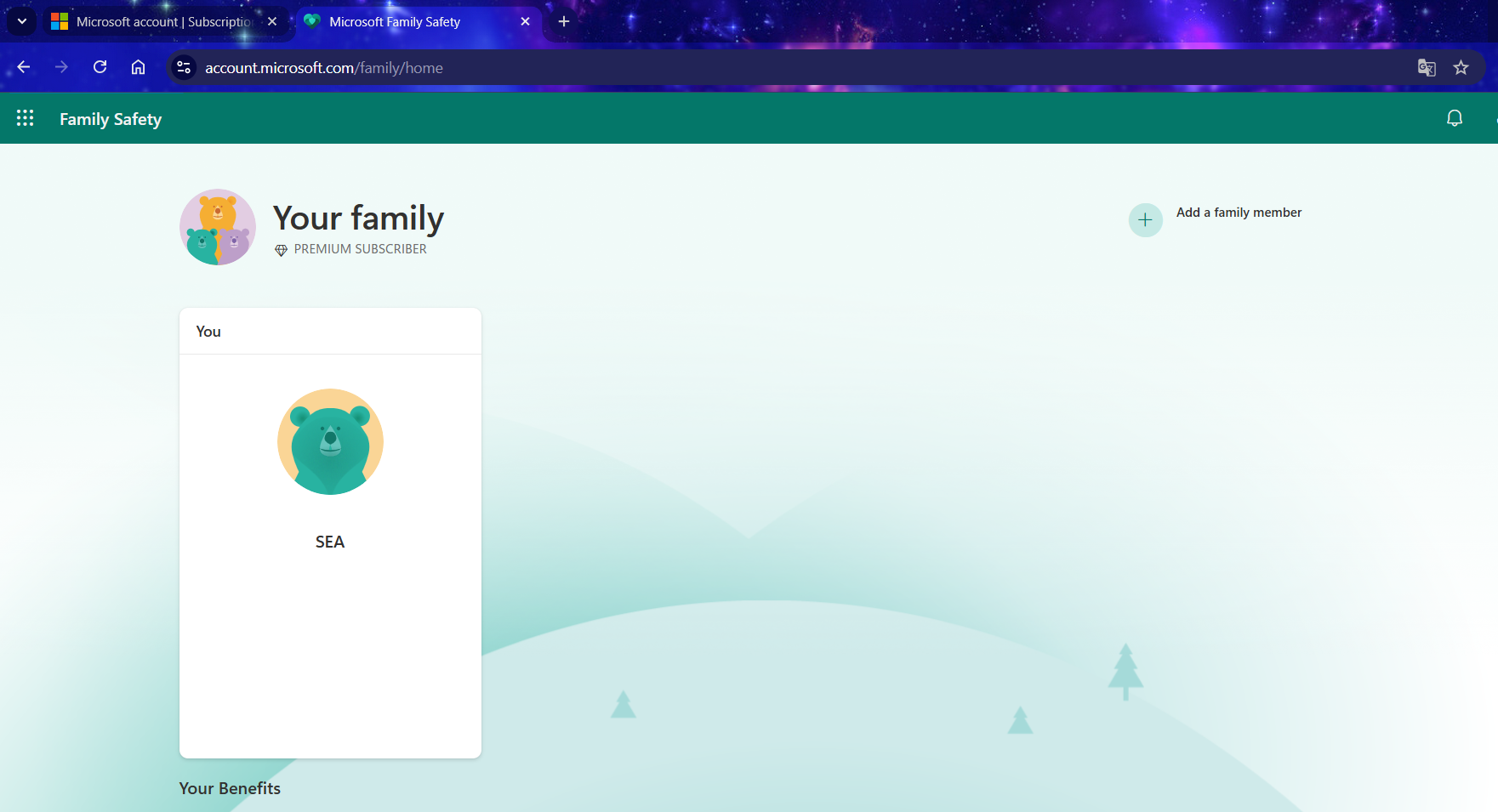
The Photo Shows The Account Does Not Belong To A Family Group.
- Open a web browser and navigate to: /family/home/settings/windows/ OR family/home/settings/
- If you are currently a member of a family group, please leave it before proceeding to the next step. If you are not in a group, you may skip this step.
- Next, you will need to join our family group via the invitation link sent to your email after your purchase.
- Once you have successfully joined the group, the Microsoft 365 Premium subscription is officially yours.
Part 2: Installing the Office Application Suite (Word, Excel, PowerPoint, etc.)
After successful activation, you can proceed to install the Office suite on your devices (PC/Mac/etc.).
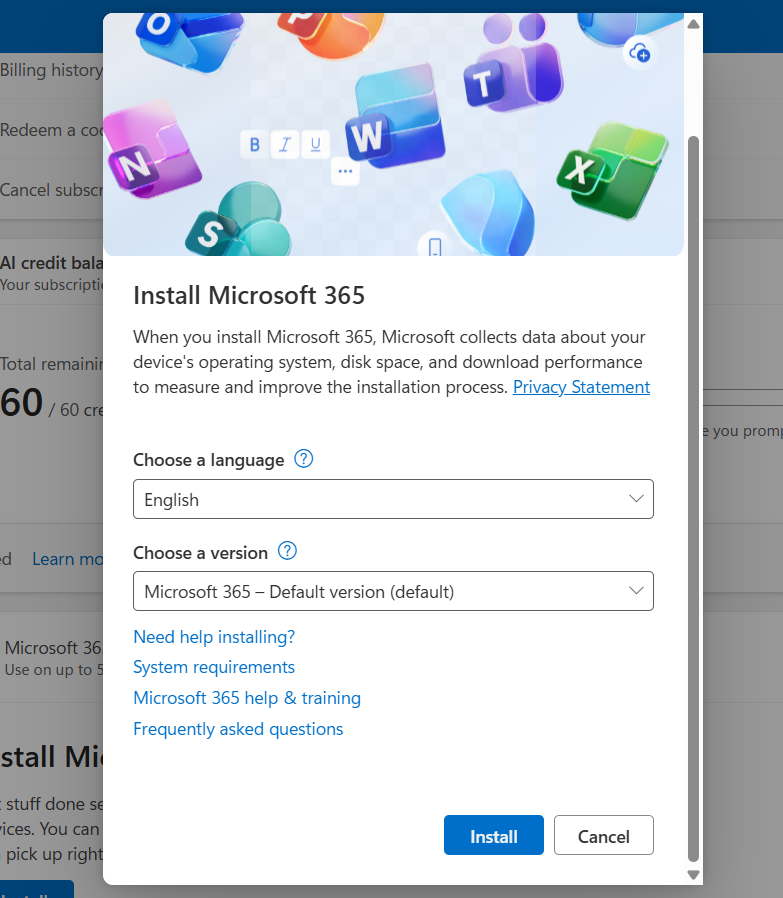
Install Microsoft 365
Go to your account management page:
- Navigate to: account.microsoft.com/services
- Sign in again if prompted.
Locate the product and install:
- You will see your Microsoft 365 Premium subscription listed.
- Click the “Install” button.
- An installation file will be downloaded to your computer.
Run the file and wait:
- Open the downloaded file. The installation will proceed automatically. Please ensure your computer remains connected to the internet throughout this process.
Activate the applications:
- Once the installation is complete, open any Office application (e.g., Word).
- The application will prompt you to sign in. Use the same Microsoft account you used in Part 1 to activate the license.
You have now successfully installed Office! You can repeat this process on your other devices (up to a maximum of 5).
Important Information:
- Invited members will receive an email/link. They must click on it and accept the invitation using their own Microsoft account.
- Each member will receive their own private 1TB of OneDrive storage. Each user’s data is completely separate and cannot be accessed by other members.
- Each invited member can also install the Office suite on up to 5 of their own personal devices.
Don’t Forget Your Additional Benefits:
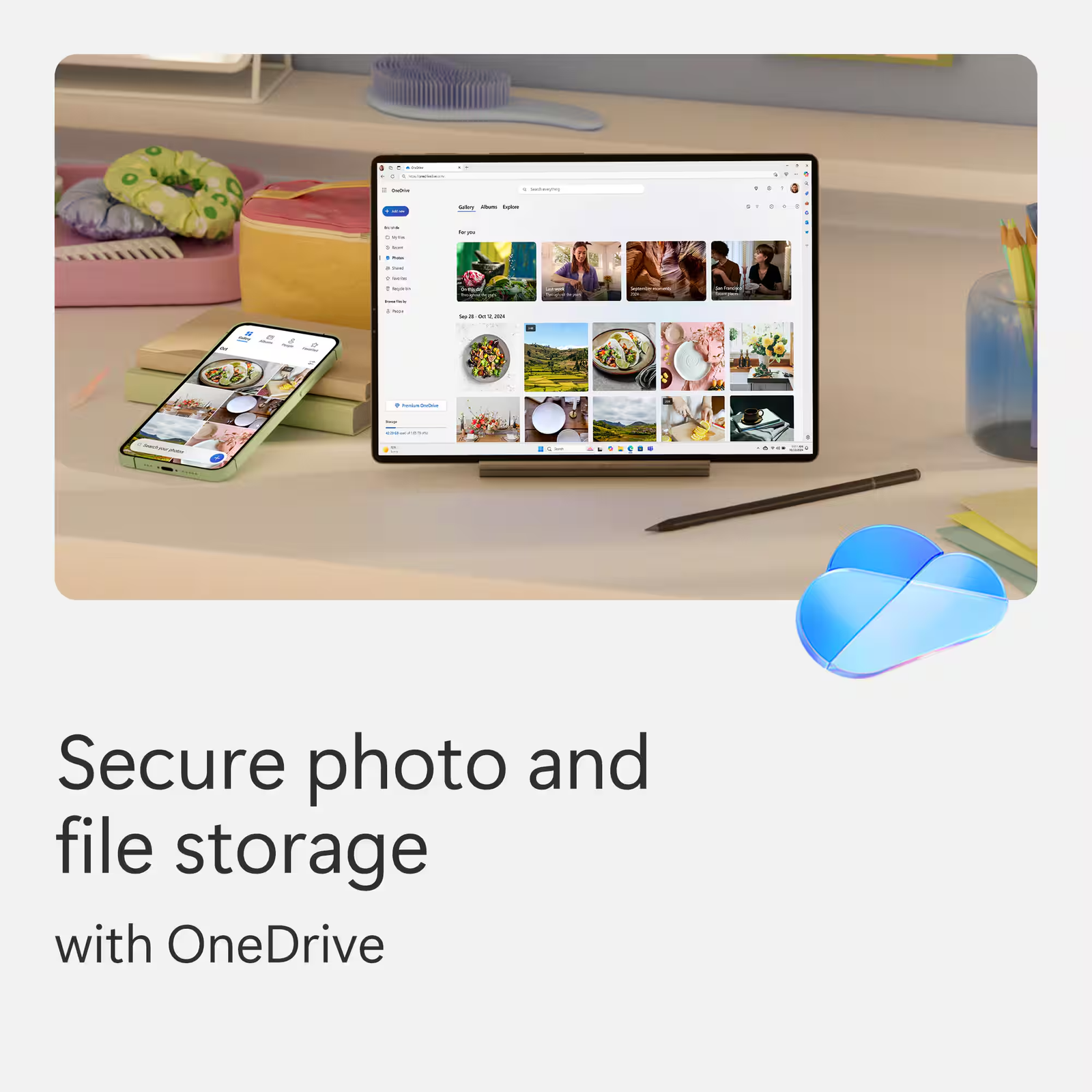
- 1TB of OneDrive Storage: Download the OneDrive application on your computer and mobile phone to back up and sync your important data. Access your files anytime, anywhere at onedrive.live.com
- Use on Mobile/Tablet: Download the Word, Excel, PowerPoint, and OneDrive apps from the App Store (iOS) or Google Play (Android). Sign in with your account to unlock and use premium features.
- Always Up-to-Date: You will always have access to the latest version of the Office suite at no additional cost.
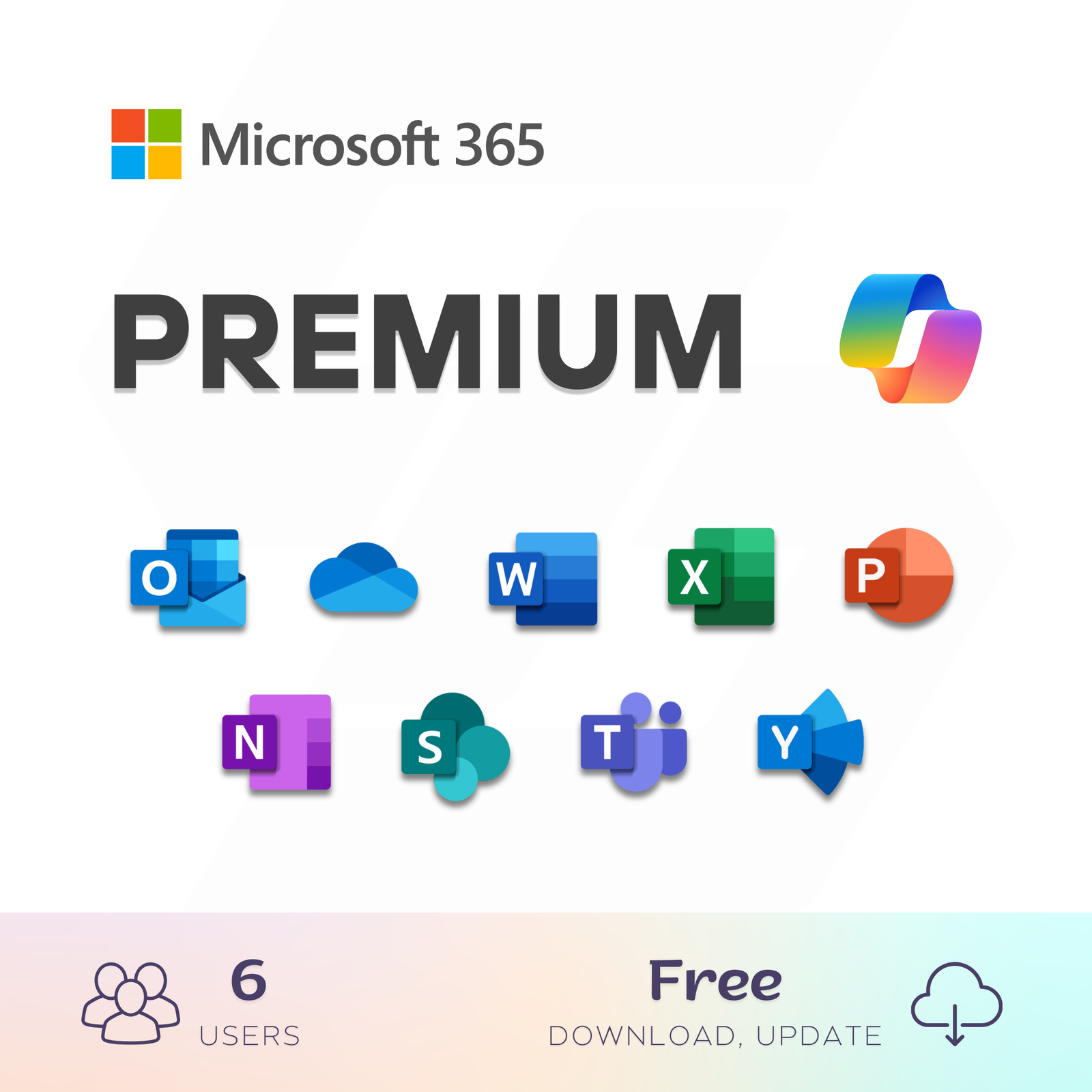
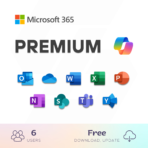
Microsoft 365 Premium is a subscription for one to six people that includes advanced security, cloud storage, and innovative apps.
- Activate Microsoft 365 Premium on Your Personal Account.
- For one to six people
- Each person can use on up to five devices simultaneously
- Works on PC, Mac, iPhone, iPad, and Android phones and tablets
- Up to 6 TB of secure cloud storage (1 TB per person)
- Productivity apps with Microsoft Copilot
- Higher usage limits than free for select Copilot features
- Microsoft Designer AI-powered image creator and editor
- Clipchamp video editor with exclusive filters and effects
- Microsoft Defender advanced security for your family’s personal data and devices
- OneDrive ransomware protection for your family’s photos and files
- Ongoing support for help when you and your family need it
- Extensive usage for select Copilot features
- Access to Copilot features currently exclusive to Premium
- Extensive usage to create and edit AI images
Apps included


Explore even more benefits of Microsoft 365
Top questions

| Time | One year1 year warranty and support via Ultraview. Worth $17 |
|---|---|
| Options | 1 User |
You must be logged in to post a review.
-
 Real People, Real Help
Questions about a product, your order, or setup? Our support team is here to help, from picking the right product to troubleshooting after you buy
-
 Instant Digital Delivery
Once your payment goes through, your product is delivered right on the screen and sent to your email at the same time. No waiting




You May Also Like

Microsoft 365 Premium 1 to 6 Users (License)
Original price was: $999.99.$199.99Current price is: $199.99. Microsoft 365 Premium 1 to 6 Users (License)
Original price was: $999.99.$159.99Current price is: $159.99.
Microsoft 365 (Premium) Family 1 Year, 5 User
Original price was: $199.00.$89.20Current price is: $89.20. 





Reviews
Clear filtersThere are no reviews yet.